Staying active has never been easier thanks to the powerful fitness tools built into your iPhone. Whether you’re starting a new health journey, trying to lose weight, increase daily activity, or simply build healthier habits, the Fitness app on iPhone provides everything you need to monitor progress and stay motivated.
In this guide, you’ll learn how to get started with Fitness on iPhone, set up activity tracking, monitor workouts, understand key fitness metrics, and maximize your results using Apple’s health ecosystem.
Why Use Fitness on iPhone?
Your iPhone is more than a communication device. It can serve as a personal fitness companion that helps you:
- Track daily movement and activity
- Monitor walking and running distance
- Log workouts and exercise sessions
- View health trends over time
- Set achievable fitness goals
- Stay motivated through progress tracking
- Integrate with Apple Watch for advanced metrics
The Fitness app combines simplicity with powerful insights, making it ideal for both beginners and experienced fitness enthusiasts.
What Is the Fitness App on iPhone?
The Fitness app is Apple’s dedicated platform for activity tracking, workout monitoring, and fitness progress management.
With Fitness on iPhone, users can:
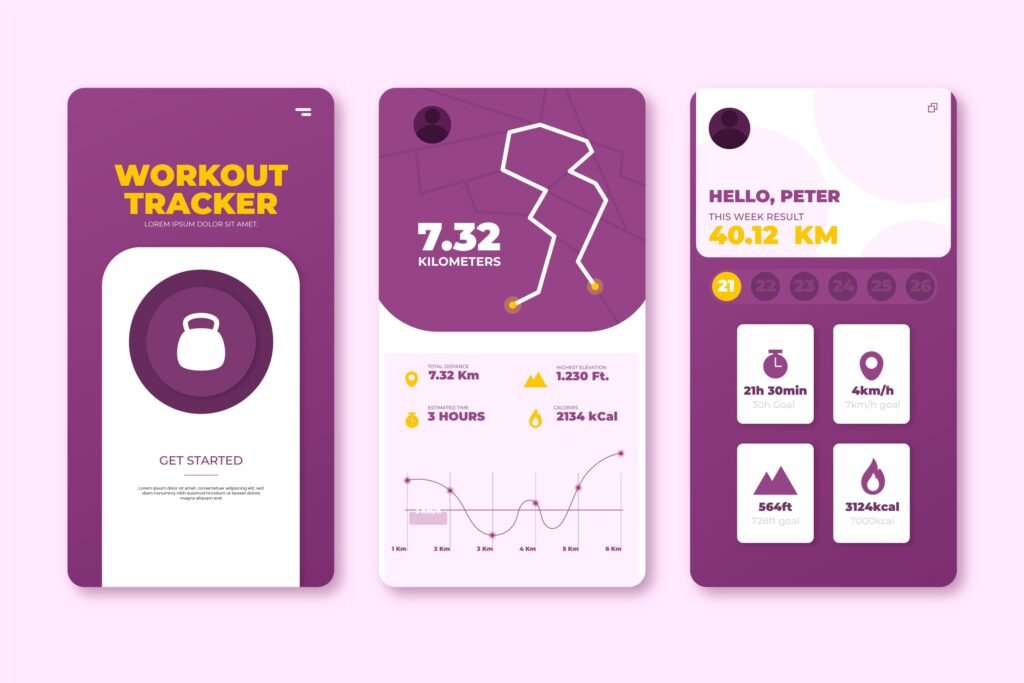
- View daily activity statistics
- Track workout history
- Monitor calorie burn estimates
- Analyze movement patterns
- Access fitness achievements and awards
- Follow personalized fitness recommendations
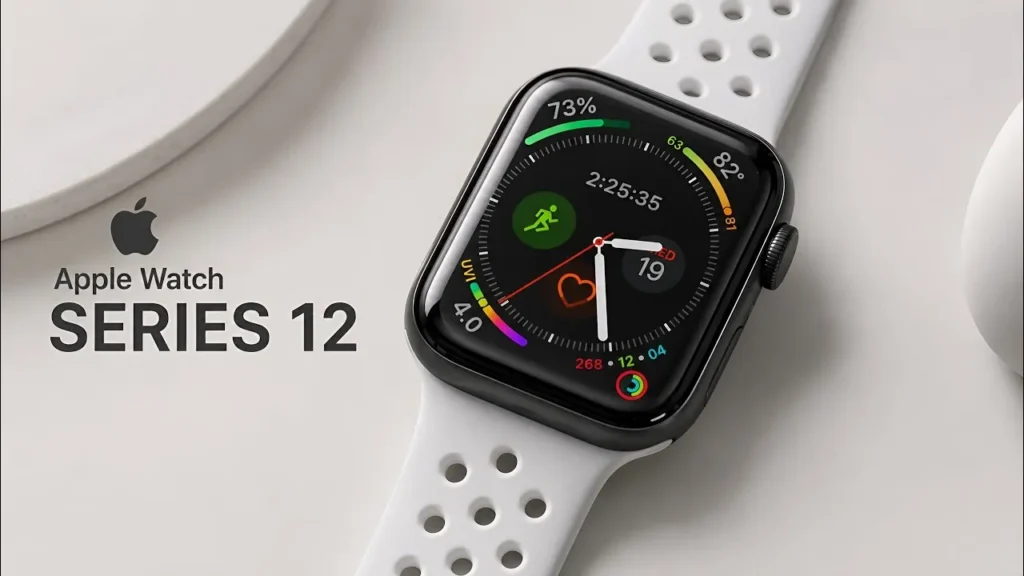
If you also own an Apple Watch, the experience becomes even more comprehensive with real-time heart rate monitoring, activity rings, and detailed workout analytics.
How to Set Up Fitness on iPhone
Getting started takes only a few minutes.
Step 1: Open the Fitness App
Locate the Fitness app on your iPhone and launch it.
If the app isn’t visible:
- Swipe down on the Home Screen
- Search for “Fitness”
- Open the application
Step 2: Enter Your Personal Details
The app may ask for information such as:
- Age
- Gender
- Weight
- Height
Providing accurate data helps improve calorie and activity estimates.
Step 3: Enable Activity Tracking
Ensure the following settings are enabled:
- Open Settings
- Tap Privacy & Security
- Select Motion & Fitness
- Enable:
- Fitness Tracking
- Health
This allows your iPhone to record movement data more accurately.
Step 4: Set Daily Activity Goals
Choose realistic goals based on your current fitness level.
Examples:
- 5,000 steps per day for beginners
- 8,000 to 10,000 steps for moderate activity
- 30 minutes of daily exercise
Starting small increases your chances of long-term success.
Understanding Activity Tracking on iPhone
One of the most useful features of Fitness on iPhone is automatic activity tracking.
Your iPhone uses built-in sensors to estimate:
Steps
Tracks your daily movement and walking activity.
Distance
Measures how far you’ve traveled during walks, runs, and daily activities.
Active Calories
Estimates calories burned through movement and exercise.
Workout Duration
Records the time spent performing tracked exercise activities.
Reviewing these metrics regularly helps you identify patterns and maintain consistency.
How to Track Workouts on iPhone
The Fitness app supports a wide range of activities.
Popular workout types include:
- Walking
- Running
- Cycling
- Hiking
- Strength Training
- HIIT Workouts
- Yoga
- Dance
- Swimming (with Apple Watch support)
Logging a Workout
You can:
- Use compatible fitness apps
- Sync workouts from Apple Watch
- Import activity from supported third-party platforms
Maintaining workout records helps measure improvement over time.
Benefits of Using Apple Fitness for Beginners
Easy to Use
The interface is beginner-friendly and requires minimal setup.
Built-In Motivation
Activity achievements and progress summaries encourage consistency.
Progress Tracking
You can compare performance over weeks and months.
Health Awareness
Regular tracking helps users better understand their activity levels and habits.
Seamless Apple Ecosystem
Fitness integrates with:
- Health app
- Apple Watch
- AirPods
- iPad
- Apple TV
Creating a unified fitness experience.
Best Tips to Stay Consistent With Fitness on iPhone
1. Set Achievable Goals
Avoid unrealistic targets during your first few weeks.
2. Track Progress Daily
Checking activity statistics helps maintain accountability.
3. Create a Workout Schedule
Consistency beats intensity when building long-term habits.
4. Increase Activity Gradually
Aim for small improvements every week instead of dramatic changes.
5. Celebrate Milestones
Recognizing achievements keeps motivation high.
Fitness on iPhone vs Apple Watch
| Feature | iPhone | Apple Watch |
|---|---|---|
| Step Tracking | Yes | Yes |
| Workout Tracking | Basic | Advanced |
| Heart Rate Monitoring | No | Yes |
| Activity Rings | Limited | Full Support |
| Real-Time Metrics | No | Yes |
| GPS Tracking | Yes | Yes |
| Workout Detection | Limited | Advanced |
While the iPhone alone offers excellent activity tracking, pairing it with an Apple Watch unlocks more detailed health and fitness insights.
Common Mistakes Beginners Should Avoid
Many users make the following mistakes:
- Setting goals too aggressively
- Ignoring recovery days
- Tracking inconsistently
- Focusing only on calories
- Comparing progress with others
Remember that fitness is a personal journey. Sustainable habits produce the best long-term results.
How Fitness on iPhone Helps Build Healthy Habits
Successful fitness journeys are built on consistency rather than perfection.
The Fitness app encourages healthy behaviors by:
- Making activity visible
- Tracking progress automatically
- Providing motivation through milestones
- Establishing accountability
- Reinforcing daily movement habits
Over time, these small actions can lead to significant health improvements.
Frequently Asked Questions (FAQs)
Is the Fitness app free on iPhone?
Yes. The Fitness app comes pre-installed on supported iPhones and offers core activity tracking features at no additional cost.
Can I use Fitness on iPhone without an Apple Watch?
Yes. You can track activity and view fitness data using only your iPhone. However, an Apple Watch provides more detailed metrics and advanced tracking capabilities.
Does Fitness on iPhone track steps automatically?
Yes. The iPhone uses built-in motion sensors to estimate and track your daily steps automatically.
How accurate is iPhone fitness tracking?
For everyday activity, walking, and step counting, iPhone tracking is generally reliable when carried consistently throughout the day.
Can I track workouts without additional apps?
Yes. Many fitness activities can be recorded through Apple’s ecosystem, although some users may choose third-party apps for specialized training programs.
What is the best way to start using Fitness on iPhone?
Begin with simple daily goals such as increasing step count, walking regularly, and monitoring activity trends before progressing to structured workout routines.
Final Thoughts
Getting started with Fitness on iPhone is one of the simplest ways to take control of your health and build a more active lifestyle. Whether you’re focusing on weight management, daily movement, cardiovascular health, or overall wellness, the built-in Fitness app provides valuable tools to help you stay on track.
Start with realistic goals, monitor your progress consistently, and gradually increase your activity level. Over time, your iPhone can become a reliable fitness companion that supports your long-term health and wellness journey.